How a job runs through it

  1. Enquiry to booked visit.

    From: website, phone, WhatsApp, inbox → To: your diary

    Every enquiry gets an answer within minutes, day or night. The system asks for the details you need, checks your diary and books the visit.

    Built around your website chat, inbox, texts and WhatsApp, and your phone line if you want it, with replies written in your voice. It only offers times your diary has free, and nothing is promised to a customer that you haven’t approved.

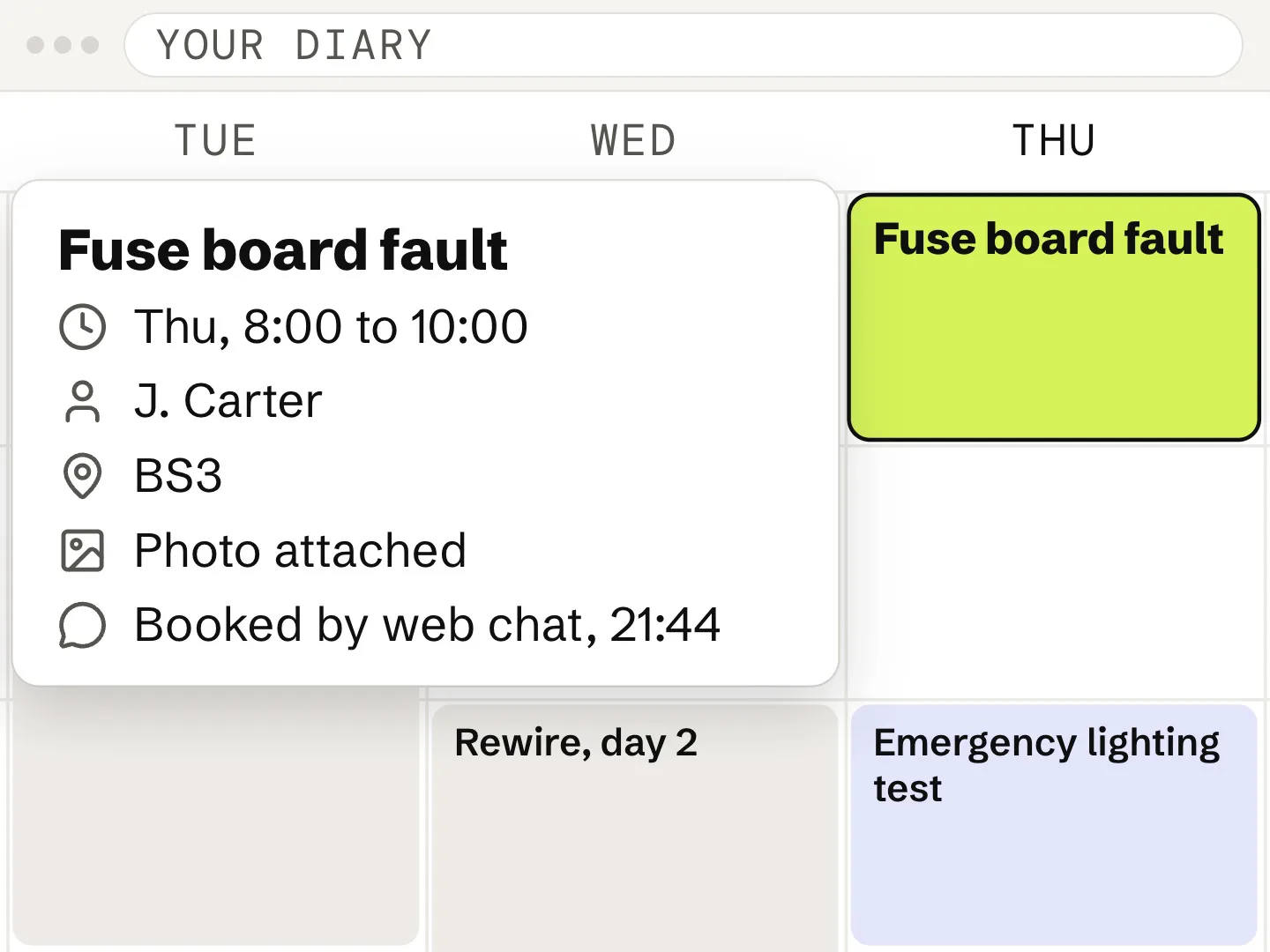
    Example. A customer messages the chat on an electrician’s website at 9:40 pm: their fuse board keeps tripping. The assistant asks for the postcode and a photo, offers Thursday between 8 and 10am, and books it. The visit then appears in the firm’s diary with the customer’s name, postcode and photo.

    Example — a website enquiry at 9:40 pm
  2. Booked visit to finished job.

    From: your diary → To: job software, customer

    The job is set up where your team already works. The customer hears when you’re coming, and access is sorted before the van leaves.

    The job is created where your team already looks, with the customer’s details and photos attached. How directly it connects depends on what your job software allows, and we check that in your review.

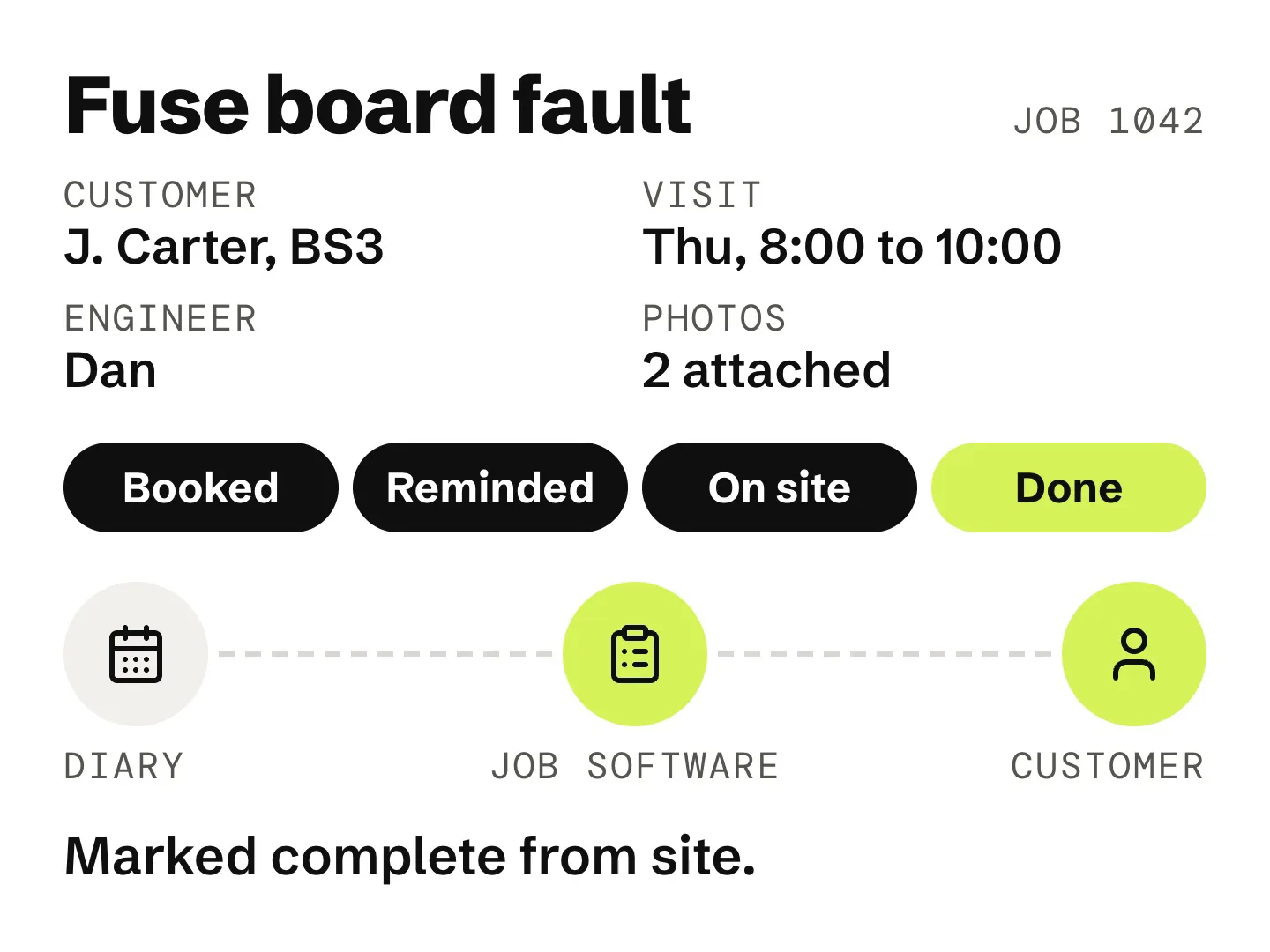
    Example. The booked visit becomes a job in the firm’s job software, with the customer’s details and photos. The customer gets a reminder and confirms access, the engineer opens the job on site with everything on it, and marks it done.

    Example — the days around a visit
  3. Finished job to paid invoice.

    From: job software → To: accounts

    When a job is marked done, the invoice is raised in your accounts software and sent. If it goes unpaid, polite reminders follow on your schedule.

    Invoices are raised in the accounts software you already use, from the job as it was done. You choose the timing and wording of reminders, and they stop the moment someone pays or replies.

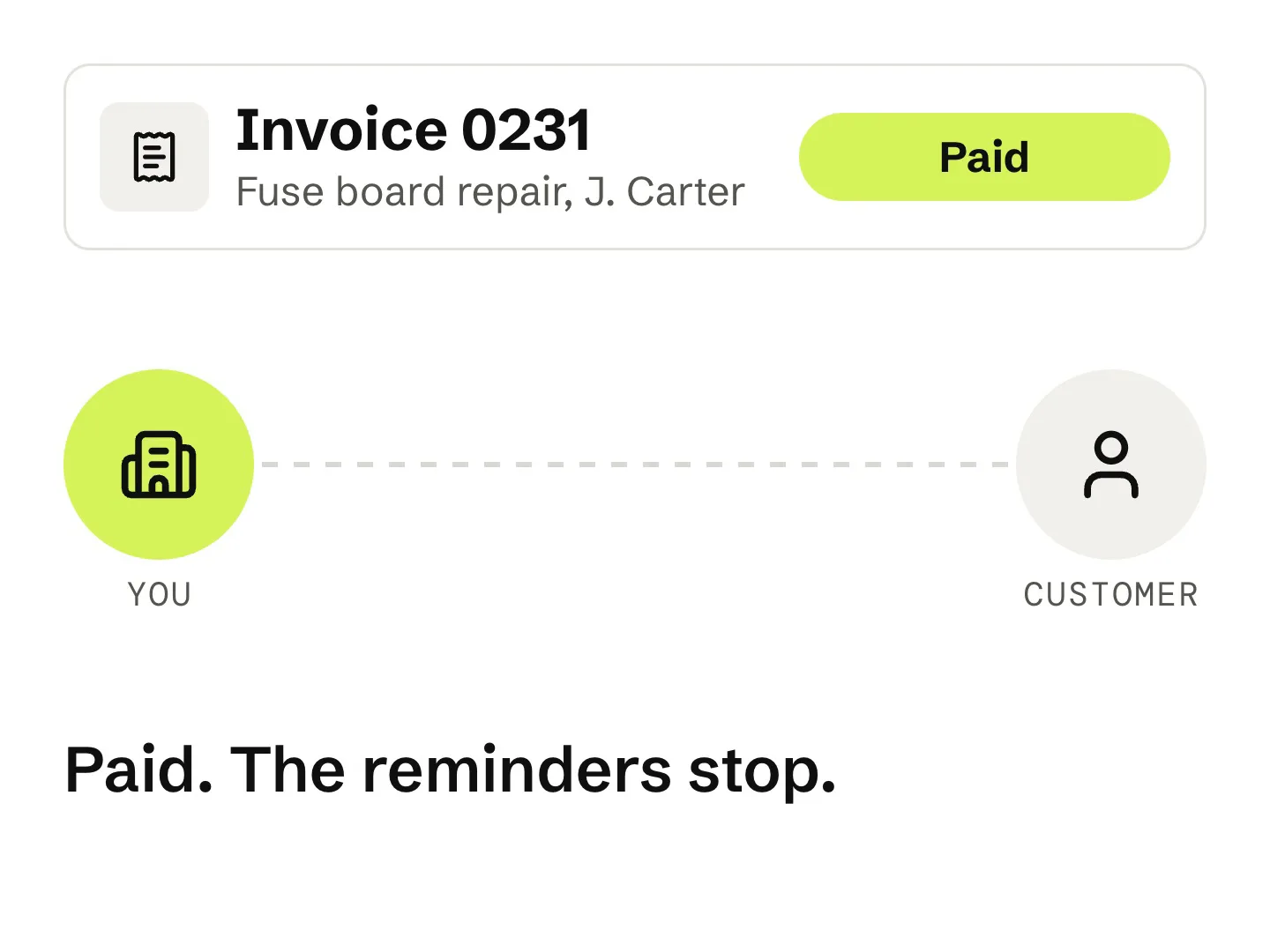
    Example. When the job is marked done, the invoice is raised and sent the same day. A week later a friendly reminder goes out, the customer pays, and the reminders stop.

    Example schedule — yours to set

The rest of what we build

  • From: people searching for an electrician → To: enquiries

    A website that brings in enquiries.

    Your website is rebuilt so that the people who find you get in touch. It has a clear page for each service and area you cover, and a chat assistant on every page that answers questions and books visits.

    Looking after it is part of the monthly fee. We keep it up to date as your services and prices change, and keep working on where you show up in local searches.

    1. PagesOne for each service and area you cover
    2. ChatAn assistant that answers and books, day or night
    3. UpkeepServices, prices and photos kept up to date
    4. SearchOngoing work on where you show up locally
    Example — what the rebuild covers
  • From: past jobs → To: reminders + bookings

    Old customers brought back.

    The customers you’ve already worked for hear from you again. Repeat work like annual tests and inspections is picked up before it’s due, the customer is reminded, and you get the booking.

    The register of who’s due and when is built from jobs you’ve already done, and the office gets a list of who to book in each month. Messages go only to your own past customers, and every one has an easy way to opt out.

    1. −60 daysDue date picked up from a past job
    2. −45 daysCustomer reminded, with a link to book
    3. −30 daysSecond reminder if there’s no reply
    4. MonthlyOffice list of who to book in
    Example — a test coming due
  • From: notes, photos, voice memos → To: draft quote

    Quotes, drafted.

    Site notes, photos or a voice memo become a draft quote in your own template and prices, ready to check and send. If it goes quiet, a polite nudge follows.

    It uses the prices and templates you already have, and nothing goes to a customer until you’ve checked it.

    1. VanYou talk through the job on the way back
    2. DraftQuote built in your template, with your prices
    3. CheckYou read it and change anything
    4. SendOut the same day
    Example — from voice memo to quote
  • From: finished jobs → To: certificates, invoices, filing

    Paperwork, done.

    When a job’s marked done, the certificate, invoice and customer email go out together, and everything is filed where it should be.

    We build it around the software you already use for certificates and invoicing, rather than replacing it.

    1. DoneJob marked complete
    2. SentCertificate and invoice emailed together
    3. FiledCopies saved under the address
    4. FlaggedAnything outstanding goes on the office list
    Example — when a job is marked done
  • From: job details, your templates → To: draft documents

    Documents, drafted.

    Risk assessments, method statements and other routine documents, drafted from job details and your own templates for a competent person to check.

    Drafts are always checked and signed off by someone competent. The system does the typing, not the judgement.

    1. InJob details and your templates
    2. DraftRisk assessment and method statement
    3. CheckReviewed and signed off by a competent person
    4. RemindCards and accreditations flagged before they expire
    Example — site documents
  • Something else?

    These are common starting points, not a limit. If a task is repetitive and eating into your week, it’s worth talking about.

    Book a review
(Start here)

Let’s find your legwork.

Book a free 20-minute review. We’ll look at how work reaches you and how your week actually runs, and tell you what we’d fix first. If the honest answer is nothing yet, we’ll say so.